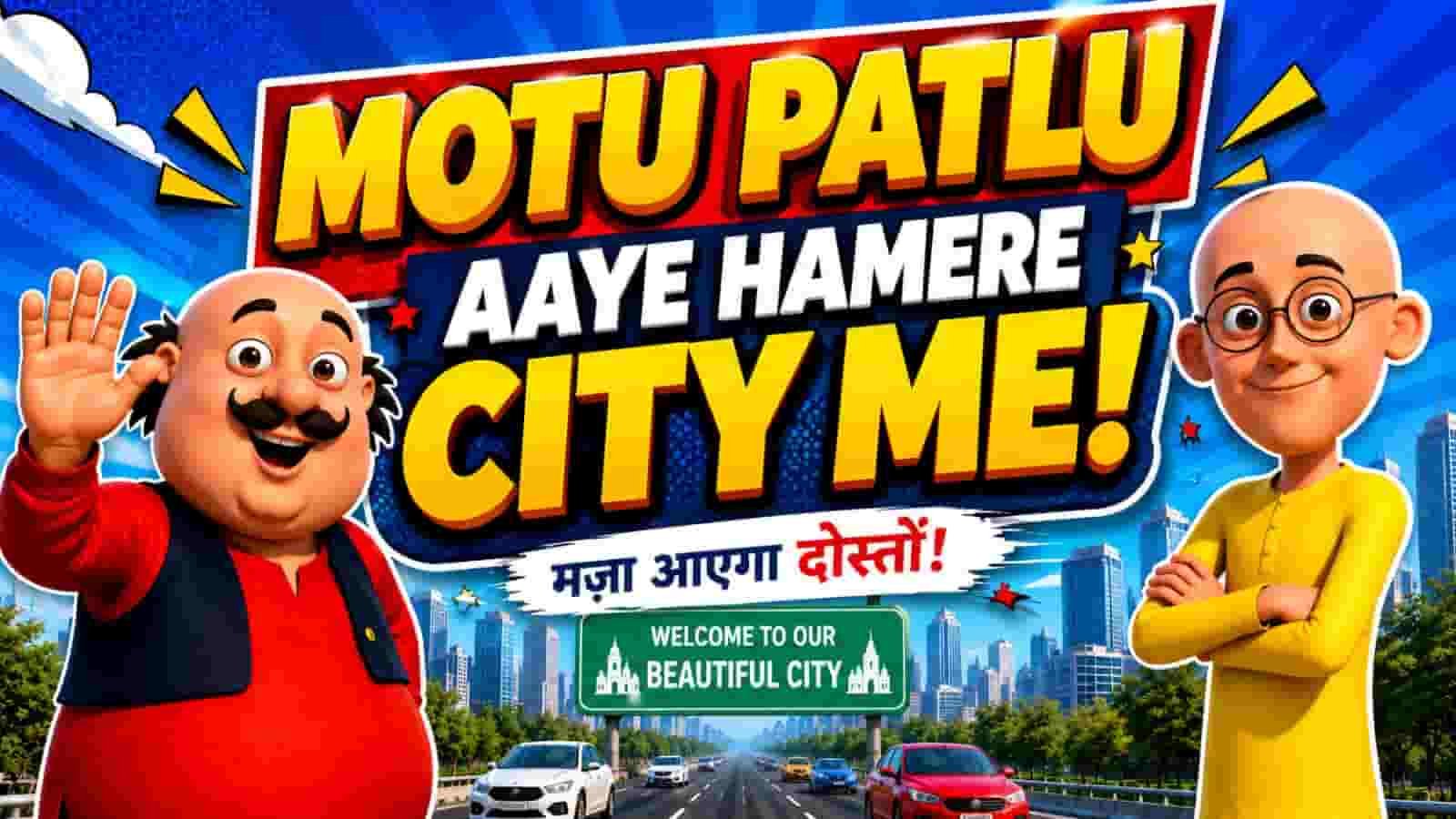
The cartoon AI video editing prompt trend has changed how creators make short, entertaining videos for social media. Instead of spending hours on traditional animation, you can now turn a simple idea into a lively cartoon clip with the help of AI tools, a strong prompt, and a little editing skill.
This guide explains how the cartoon AI video editing prompt workflow works, why these videos perform well on short-form platforms, and how to use the two prompt blocks below in a practical way. Whether you want content for YouTube Shorts, Instagram Reels, Facebook, or TikTok, you will find a clear process you can follow.
Why the cartoon AI video editing prompt works so well
Short videos win attention fast, and cartoon visuals make that even easier. Bright colors, expressive faces, and smooth motion are more likely to stop the scroll than plain clips.
Read Also: Maa papa chest tattoo AI prompt guide | Vipul Squad: 4 Proven AI Photo Editing Prompts for Viral Cartoon Characters
A cartoon AI video editing prompt also saves time. You can create a scene, generate a matching image, and then animate it with lip sync, camera movement, and sound effects without doing frame-by-frame work.
That speed matters for creators who post often. It also helps beginners produce content that looks polished without needing advanced animation software.
What makes cartoon videos trend on social media
People enjoy content that feels playful, familiar, and easy to watch. Cartoon edits often combine humor, local references, and fast storytelling, which makes them highly shareable.
AI tools now make it possible to test many ideas quickly. That means you can create more content, compare results, and improve based on what viewers like most.
How to use the cartoon AI video editing prompt workflow
The simplest workflow is to first generate a clean cartoon image, then animate that image into a video. This two-step method is especially useful when your goal is a vertical clip for Reels or Shorts.
Start by creating the image with the first prompt block. After that, use the second prompt block to add movement, dialogue, and personality to the characters.
For best results, keep the same character design across both steps. Consistency in clothes, face shape, and art style helps the final video look natural and professional.
Prompt block 1: cartoon scene creation
This first prompt is the foundation of the project. It helps the AI generate the visual scene that will later be animated, so accuracy matters a lot here.
Use it to build a clear background, strong character placement, and a cinematic look. You can also adjust the location details to match the story you want to tell.
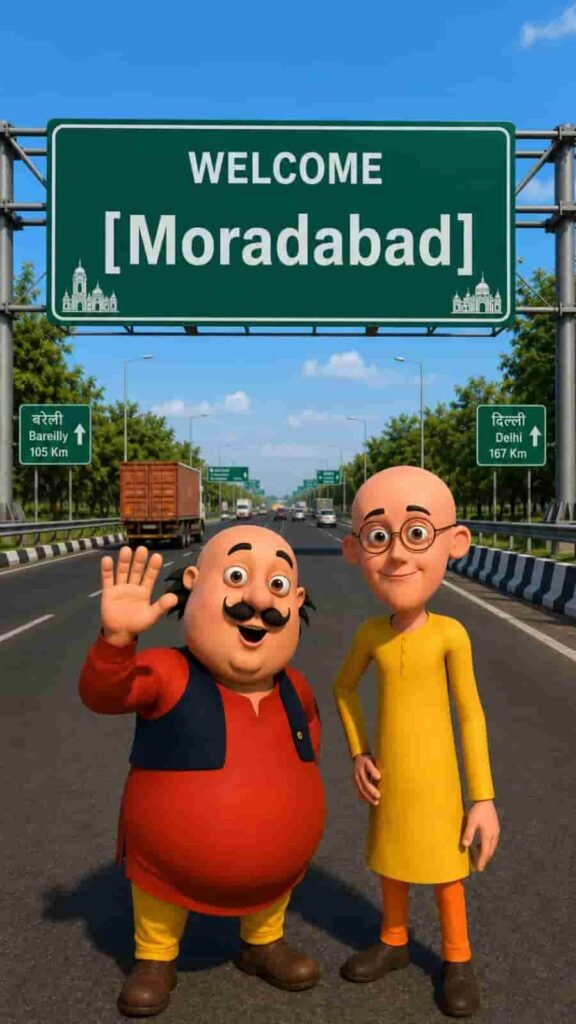
After generating the image, check whether the character looks consistent and the background feels readable. If needed, improve the lighting or scene clarity before moving to the next step.
Prompt block 2: cartoon video animation
The second prompt turns the still image into a moving scene. This is where lip sync, gestures, and speech help the content feel alive and engaging.
Keep the dialogue natural and short so the animation stays smooth. The more direct the speech, the easier it is for the viewer to follow the joke or message.
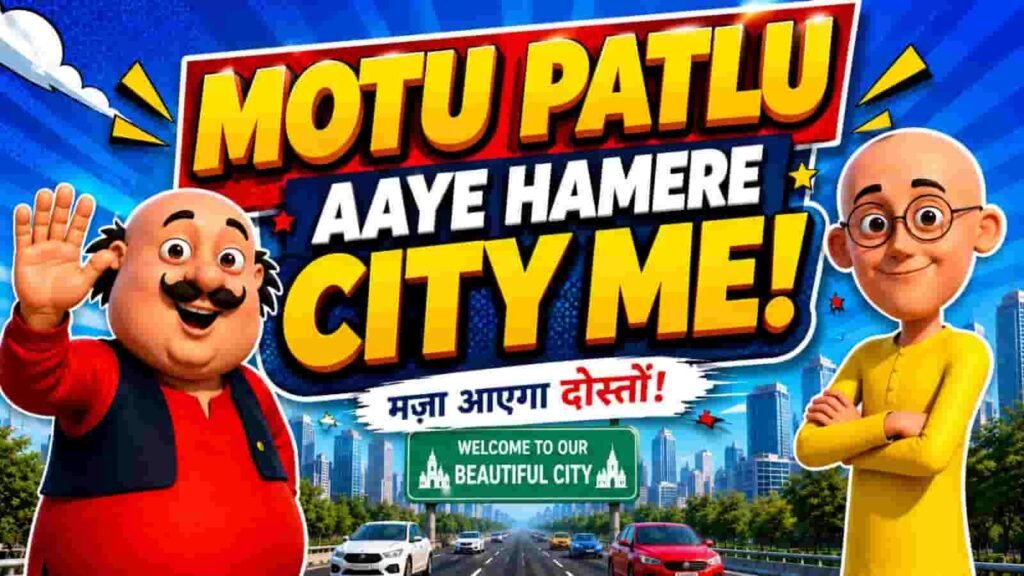
When using this prompt, make sure the uploaded image matches the character reference closely. If the source image is clear, the AI is more likely to preserve the cartoon style and animate it cleanly.
Best tools and settings for a cartoon AI video editing prompt
You do not need a huge production setup to get started. In most cases, an AI image generator, an AI video editor, and a phone or desktop editor are enough to build a strong result.
For general research and platform guidance, it can also help to understand how short-form video works on major apps. You can read more about YouTube Shorts or the official Instagram Reels experience for context on format and audience behavior.
| Step | What to do | Why it matters |
|---|---|---|
| 1 | Generate the cartoon image | Creates the base visual style |
| 2 | Upload the image into the video tool | Keeps character details consistent |
| 3 | Add lip sync and gestures | Makes the clip feel alive |
| 4 | Export in 9:16 for Shorts or Reels | Fits mobile viewing perfectly |
| 5 | Post with a strong caption and hashtags | Improves reach and engagement |
If your tool allows it, try vertical output first. A 9:16 frame is ideal for mobile-first platforms, while 16:9 works better for standard YouTube uploads.
How to improve your cartoon AI video editing prompt results
Good results come from clear instructions. If a prompt is too vague, the output can look generic or lose the character style you want.
Use specific scene details, but avoid overloading the request. A balanced cartoon AI video editing prompt gives the AI enough structure without confusing it.
- Keep the same character reference image for every version.
- Use short, natural dialogue for better lip sync.
- Choose one main location or story idea per video.
- Use bright but realistic lighting for a polished look.
- Export in the correct aspect ratio before posting.
You should also think about pacing. Fast hooks, clear character reactions, and simple jokes or calls to action often perform better than crowded scenes with too many details.
Common mistakes to avoid
One common mistake is changing too many elements at once. If you alter the character, background, and dialogue all together, it becomes harder to tell what helped or hurt performance.
Another mistake is skipping the review stage. Always watch the generated video once before posting so you can catch strange hand movement, awkward lip sync, or text issues.
Cartoon AI video editing prompt tips for better engagement
Engagement depends on more than just visuals. The best clips also have a reason for viewers to watch until the end, comment, or share.
A strong cartoon AI video editing prompt can support that by encouraging a question, a location mention, a punchline, or a viewer reply. That simple structure often increases comments.
Tip: Keep your dialogue short, your visuals clear, and your ending open enough to invite a response from viewers.
You can also improve performance by posting consistently. When your audience recognizes your style, they are more likely to return for the next upload.
Cartoon AI video editing prompt vs traditional animation
Traditional animation still has its place, but AI gives creators speed and flexibility. For many social media use cases, that advantage matters more than a complex production process.
| Feature | AI cartoon video | Traditional animation |
|---|---|---|
| Speed | Fast | Slow |
| Skill level | Beginner-friendly | Requires advanced skills |
| Cost | Lower | Often higher |
| Editing flexibility | High | Moderate |
| Best for | Short-form social content | Longer creative productions |
That does not mean AI replaces creativity. Instead, it gives you a faster way to test ideas, build a content library, and publish more often.
FAQs about cartoon AI video editing prompt
What is a cartoon AI video editing prompt?
A cartoon AI video editing prompt is a written instruction used to generate cartoon-style images or videos with AI tools. It usually describes the scene, character look, action, and style so the result matches your goal.
Creators use it to save time and make social content that looks animated without full manual editing.
How do I create a cartoon AI video for Reels or Shorts?
First, generate a cartoon image with a detailed prompt. Then upload that image into a video tool and add motion, dialogue, and camera effects.
Finally, export the clip in 9:16 format and publish it with a short caption that encourages engagement.
Can beginners use a cartoon AI video editing prompt?
Yes, beginners can absolutely use this method. The process is simple once you understand how to create the image first and animate it second.
Most tools are designed to be easy to use, so you can learn by testing and improving each new clip.
Why do cartoon AI videos get more views?
Cartoon AI videos often get more views because they are colorful, entertaining, and easy to consume quickly. They also work well with short-form algorithms that favor watch time and engagement.
When the content includes a strong hook or relatable dialogue, viewers are more likely to comment and share.
Final thoughts on cartoon AI video editing prompt
The cartoon AI video editing prompt is a powerful way to create fast, eye-catching content for modern social platforms. With the right workflow, you can turn a simple idea into a polished cartoon video that looks fun and professional.
Focus on clear prompts, consistent characters, and short, engaging dialogue. If you keep improving your process, the cartoon AI video editing prompt method can become one of your most reliable content-creation tools.
Now it is your turn to experiment, publish, and see what your audience responds to most.