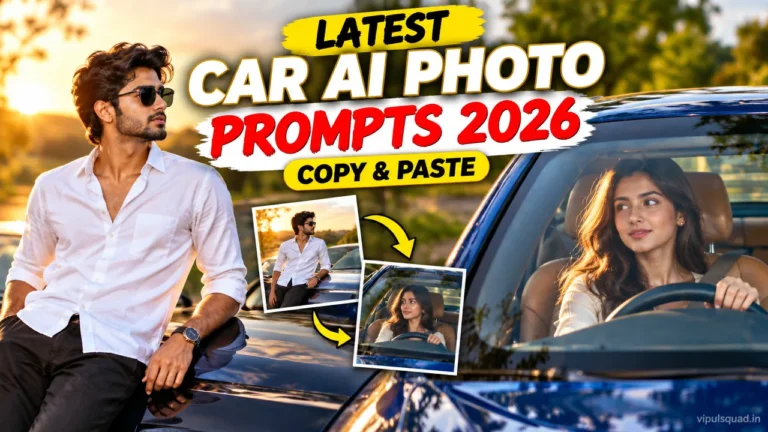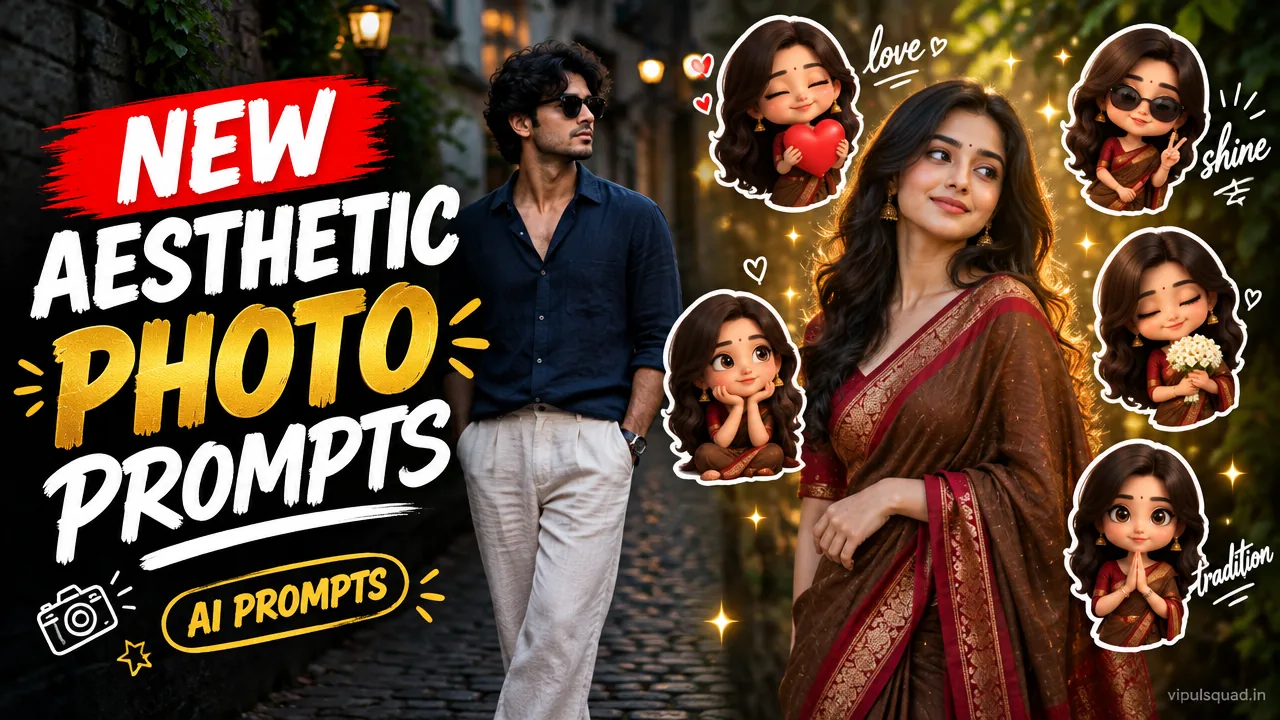
Looking for aesthetic AI photo editing prompts that actually look good on Instagram? Below are 4 copy-paste prompts from Vipul Squad: a motion magazine poster, a dark moody basketball court edit, an aesthetic chibi sticker collage and a soft film portrait. Upload your own photo, paste the prompt, and replace [YOUR NAME]. That is all it takes.
Each prompt is written to keep your face and identity the same, so the result still looks like you and not a stranger. Tap the Copy Prompt button on any box and use it in ChatGPT or Gemini.
Quick Summary: Which Prompt Should You Use?
- Motion magazine poster: bold, fashion-campaign style for reel covers.
- Dark basketball court: dramatic, cinematic mood with ghost-motion effect.
- Chibi sticker collage: cute and shareable, great for stories and highlights.
- Film window portrait: calm, dreamy, aesthetic mood.
What Is Trending in Aesthetic AI Photo Editing Right Now?
Three styles keep showing up on Instagram feeds: cinematic motion posters with faded duplicate figures, dark moody portraits with a long-exposure feel, and realistic photos surrounded by cute 3D chibi stickers. All of them depend on one thing: a clear prompt that tells the AI what to keep (your face) and what to change (light, background, extra elements).
That is exactly how the prompts below are built. Each one has the same parts: a face-lock instruction, the scene or layout, a lighting and color style, and a short text line for your name.
4 Aesthetic AI Photo Editing Prompts (Copy-Paste)
Prompt 1: Motion Magazine Poster
Best for: bold reel covers and fashion-campaign style Instagram posts.
Use the uploaded photo and keep the person's face, hairstyle and outfit exactly the same. Turn it into a vertical magazine-cover style streetwear poster. The person stays in the main pose. Behind and beside the person add three semi-transparent motion-blurred ghost copies walking in different phases of a stride to show movement. Add sun flare glowing through the trees at the top. Place a giant condensed bold white title "KINETIC" at the top-left, small text "COLLECTION 2026" under it, a tiny tagline "Move with purpose.", a small barcode, and footer text "[YOUR NAME]". Cinematic warm color grade, sharp subject, soft film grain, photorealistic.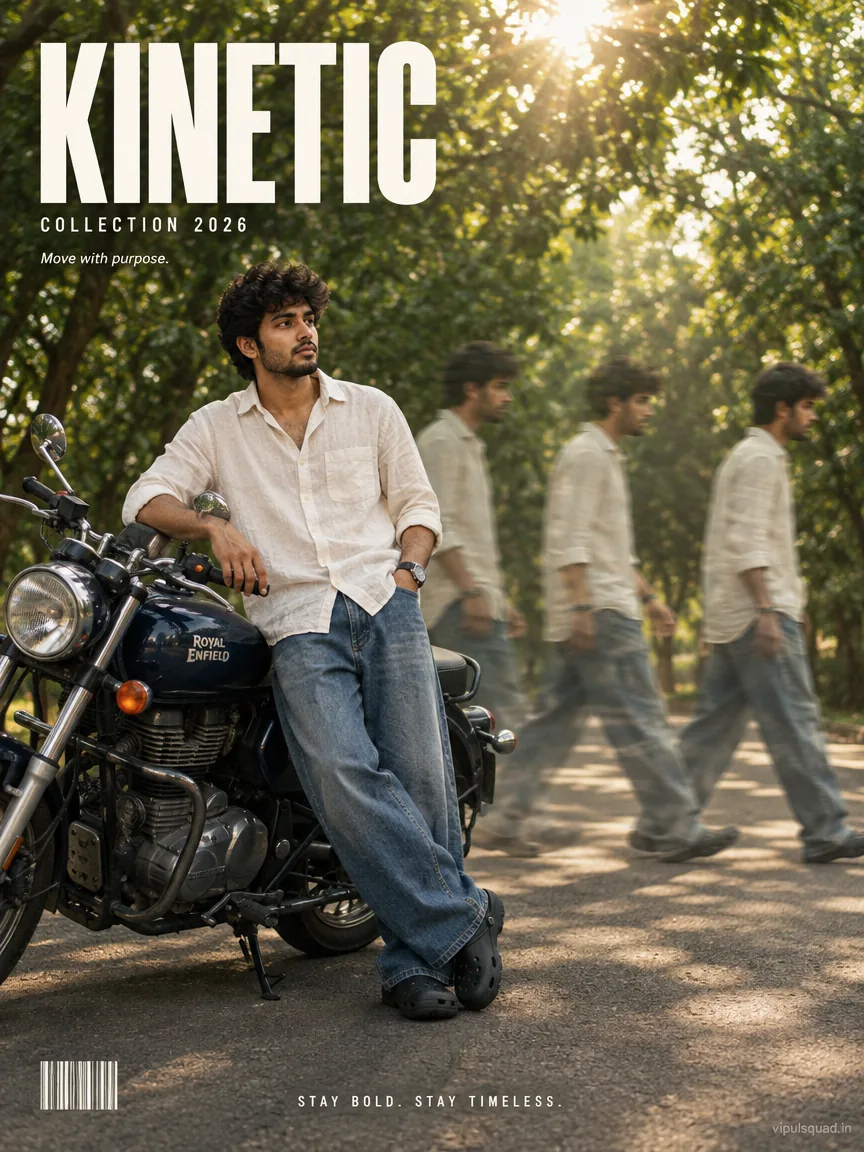
Prompt 2: Dark Moody Basketball Court Motion
Best for: dramatic, cinematic profile pictures and storm-sky edits.
Use the uploaded photo and keep the person's face, hair and outfit exactly the same. Place the person alone on an outdoor basketball court under heavy stormy clouds at dusk, one hand covering part of the face. On both sides add several blurred ghost-motion duplicates of the person walking across the court, like a long-exposure effect. Wet textured court with faded white and red lines, a basketball hoop on the left and dark tree silhouettes behind. Desaturated teal-grey tones, high contrast, fine film grain, vertical 3:4, photorealistic.
Prompt 3: Aesthetic Chibi Sticker Collage
Best for: cute, shareable posts and Instagram story highlights.
Use the uploaded photo as the main image and keep the person's face, hairstyle and outfit exactly the same. Keep the original photo realistic and sharp. Around the main photo add seven small cute 3D-cartoon chibi versions of the same person in different playful poses: jumping with one arm raised, sitting with a drink, resting chin on hand, winking, peace sign, thinking with a finger on the lips, and waving. Give every chibi a thin white sticker outline. Scatter hand-drawn white doodles and handwritten words "shine", "happy", "bright day", "smile", plus tiny stars, hearts and a sun icon. Vertical 3:4, natural vibrant colors, high detail.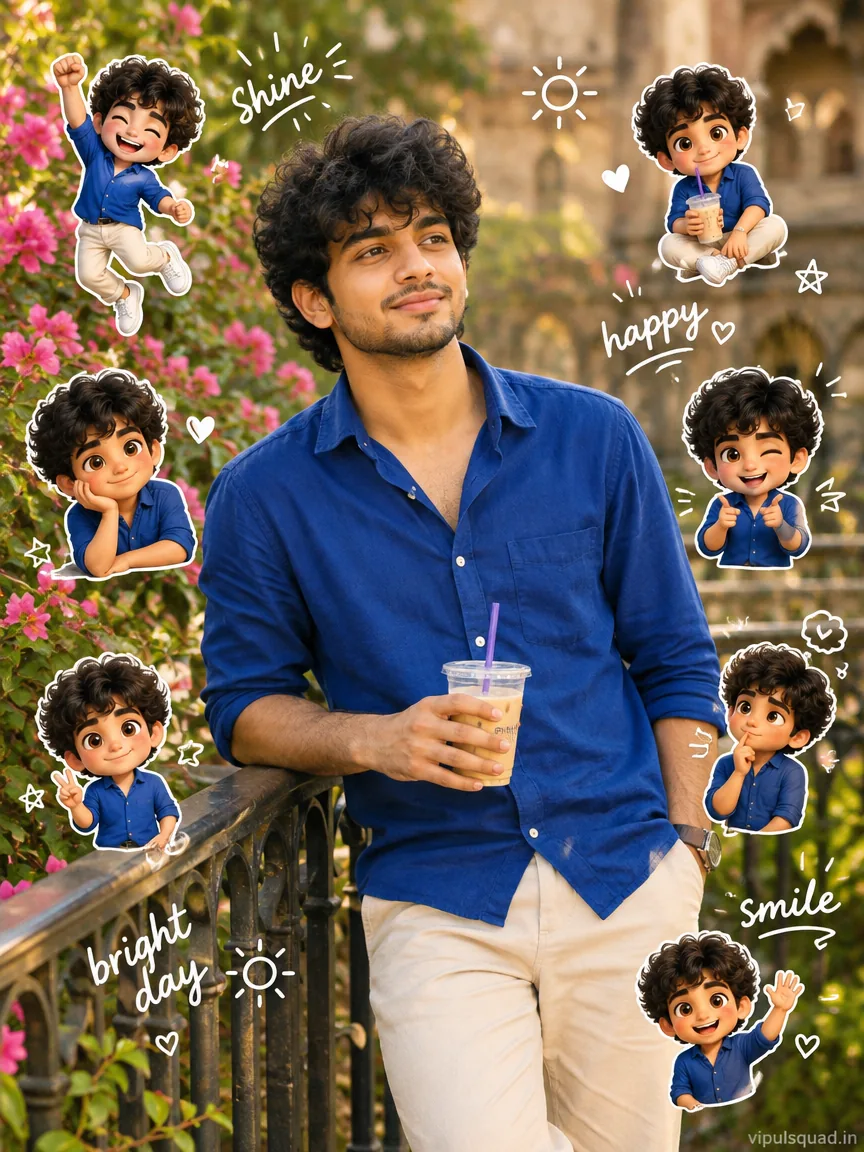
Prompt 4: Soft Film Window-Light Aesthetic Portrait
Best for: calm, dreamy, aesthetic mood and quote-post backgrounds.
Use the uploaded photo as the face reference and keep the face and identity exactly the same. Create a vertical 4:5 aesthetic portrait of the person sitting beside a large cafe window with soft diffused morning light falling on one side of the face. Outfit: cream knit sweater and a thin gold necklace, hair softly styled, a ceramic coffee cup and an open book on the wooden table. Warm beige and muted green color palette, subtle film grain, gentle haze, shallow depth of field with a blurred street outside the window. Calm natural expression, a faint smile, realistic skin texture, slightly faded Kodak-style tones. Photorealistic, soft cinematic mood, high detail.How to Use These Prompts: Step by Step
- Pick one clear, front-facing, well-lit photo of yourself. Avoid heavy filters.
- Open ChatGPT or Gemini and choose image generation.
- Upload your photo first.
- Tap Copy Prompt on the prompt you like and paste it.
- Replace
[YOUR NAME]with your own name, then generate. - If you like the look but want a change, edit only one detail (for example the background) and generate again.
Tips for Better Results
- Keep the line “keep the face and identity exactly the same”. It reduces face distortion.
- Use one photo per generation. Mixing several photos can blend faces.
- Do not stack many styles together. One prompt, one mood.
- Ask for a vertical 3:4 or 9:16 ratio for Instagram posts and reels.
- Save the best result and reuse its prompt as your personal template.
More Free Prompts From Vipul Squad
If you liked these, try our 1980s College Street prompt, the 1980s Retro Streetwear prompt for boys, the aesthetic girl AI photo editing guide or our Happy Birthday AI photo prompts. You can also browse the full Prompt category and the reel templates.
Frequently Asked Questions
What are aesthetic AI photo editing prompts?
They are ready-written text instructions you paste into an AI image tool together with your own photo. The AI then recreates the photo in a trending look such as a motion poster, a storm-sky court edit or a chibi sticker collage.
Which AI tools work with these prompts?
The prompts are written to work in ChatGPT image generation and Gemini. Upload your photo first, then paste the prompt. Results vary slightly from tool to tool.
How do I keep my face from getting distorted?
Use a clear, front-facing, well-lit photo, keep the instruction “keep the face and identity exactly the same” in the prompt, and avoid adding too many extra changes. If the face drifts, regenerate once with the same photo.
Do I need to edit the prompt before using it?
Only replace [YOUR NAME] with your own name. You can also change clothing, the background or the mood to match your style.
Are the example images made from these prompts?
The example images are AI-generated samples that show the look each prompt aims for. Your result will use your own photo, so it will look different.
Are these prompts free to use?
Yes. All the prompts on Vipul Squad are free to copy. You only need access to an AI image tool.
Final Thoughts
Good AI edits come from clear prompts, not complicated tools. Start with the prompt that matches your mood, keep your face instruction in place and change one detail at a time. Try your edit, share it on Instagram, and drop a comment below or reach out through our Contact page if you want a prompt for a specific style.