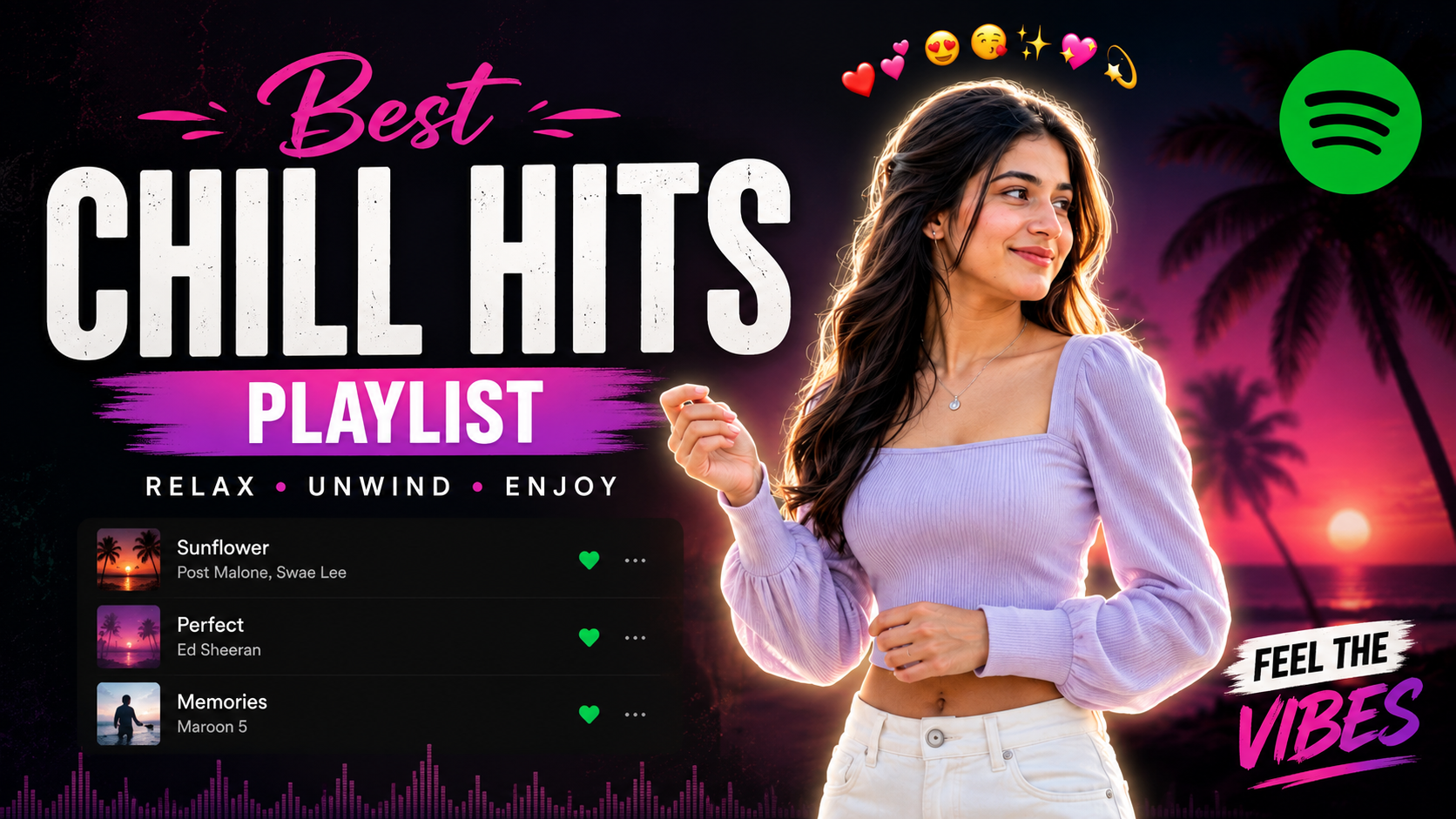
This guide covers everything you need to know about Aesthetic Spotify Background Create Premium Portrait Edits Vipul Squad.
Vipul Squad has become closely associated with one of the most popular AI portrait trends online: the Spotify-inspired background edit. This style blends a dark streaming-app mood, soft lighting, and a clean outlined subject into a polished portrait that looks ready for Instagram, Facebook, or a personal brand page.
What makes this trend stand out is its balance of simplicity and style. You do not need advanced editing skills to get a premium result, but you do need a clear prompt, the right reference photo, and a good sense of composition. In this guide, we will break down how the style works, why it is so effective, and how to write a prompt that produces a sharp, professional-looking image.
Vipul Squad and the Spotify background photo prompt trend
The core idea behind this look is easy to understand. You take a normal portrait and turn it into a premium AI edit with a dark, blurred music-app feel in the background, soft lighting on the face, and a neat outline around the subject. The result feels modern, cinematic, and visually clean.
Vipul Squad-style edits are especially attractive because they do not overwhelm the photo. Instead of filling the frame with effects, the design keeps attention on the person while giving the image a sleek social-media-ready finish. That is why creators, students, musicians, and influencers keep using it for posts and profile pictures.
Vipul Squad Spotify background photo prompt structure
A strong prompt should do more than say “make it look good.” It needs to tell the AI exactly what to preserve, what to change, and what kind of mood to create. The best results usually come from prompts that clearly protect identity while also defining the background, lighting, framing, and output size.
When writing this kind of prompt, focus on these parts:
- Identity preservation: keep the person’s face, hairstyle, pose, and outfit unchanged.
- Composition: specify portrait framing and a subject-first layout.
- Background style: describe the blurred dark music-app look and cinematic mood.
- Lighting: ask for soft, diffused light instead of harsh shadows.
- Outline: include a thin white border or sticker-style glow around the subject.
- Resolution: mention a feed-friendly size for cleaner results.
These details help the AI avoid random changes. As a result, the final image looks intentional instead of overprocessed.
Vipul Squad prompt example for premium portrait edits
Below is the style section that captures the look most users want. It is designed to help you understand the structure and apply the aesthetic more effectively when using your own AI tool.
Spotify-inspired dark portrait effect
This effect works best when the subject remains sharp while the background stays heavily blurred and atmospheric. The overall feel should be cool, minimal, and premium rather than bright or flashy.
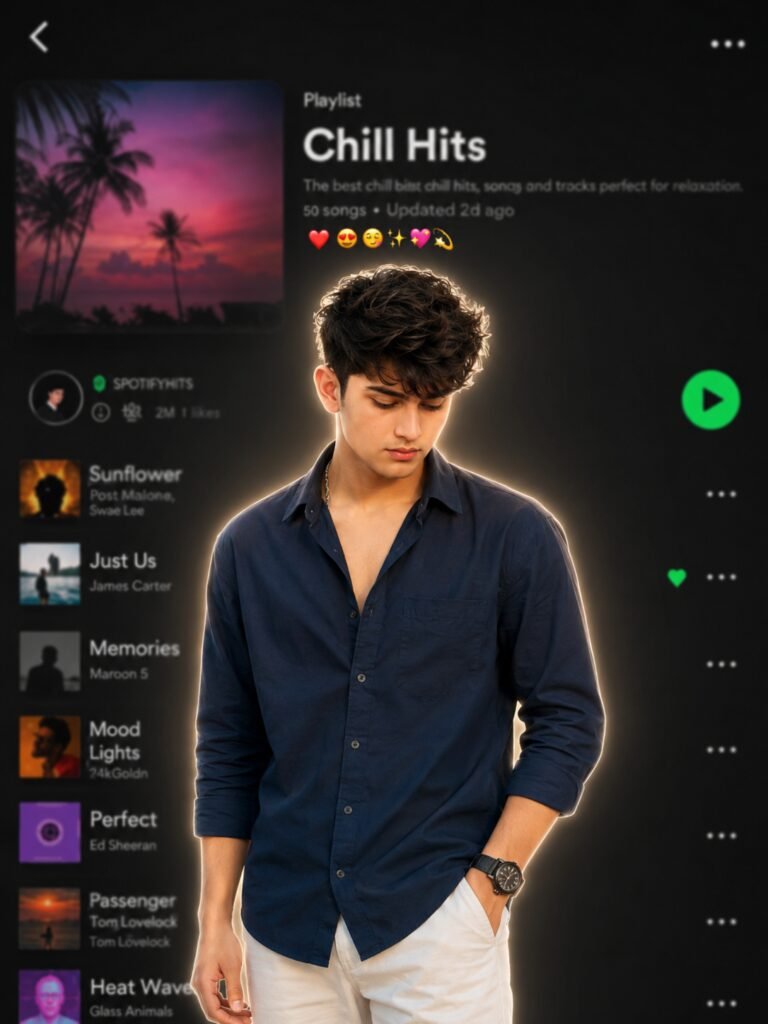
For the cleanest result, use a high-quality reference image with clear facial detail and balanced lighting. If the output looks too bright or too stylized, reduce the intensity of the glow and keep the color palette cooler.
Vipul Squad tips for getting better AI portrait results
Even a good prompt can miss the mark if the source image is weak. A sharp, well-lit photo gives the AI more detail to work with, which usually leads to better face preservation and cleaner edges around the subject.
It also helps to be specific about the mood you want. For example, words like premium, cinematic, moody, and clean guide the AI better than vague terms such as “nice” or “cool.”
| Prompt Element | Why It Matters | Best Practice |
|---|---|---|
| Identity reference | Keeps the portrait realistic | Preserve face, pose, and clothing |
| Background | Creates the Spotify-like mood | Use a dark, blurred interface look |
| Lighting | Shapes the final mood | Choose soft, diffused light |
| Outline | Makes the subject stand out | Use a thin white glow or sticker border |
| Resolution | Improves platform usability | Use a vertical social media ratio |
Another useful tip is to avoid overcomplicating the prompt. Too many competing instructions can confuse the model and reduce quality. A clear, focused prompt usually performs better than a long one full of contradictions.
Vipul Squad common mistakes to avoid
Many people get disappointing results because they ask the AI to do too much. If you want a clean portrait edit, the goal is control, not chaos. Keep the instructions direct and realistic.
- Do not overbrighten the image: the style works best in a darker, softer mood.
- Do not change the person’s identity: the face and expression should stay recognizable.
- Do not use vague wording: be specific about the outline, lighting, and background.
- Do not overdo effects: heavy bloom or filters can make the portrait look unnatural.
- Do not ignore image quality: a low-quality source photo often leads to weak outputs.
These mistakes are easy to avoid once you understand the purpose of the trend. The edit should feel polished, not artificially forced.
Vipul Squad use cases for the Spotify portrait style
This look is versatile enough to work across several platforms. It is especially popular for creators who want a consistent visual identity without spending hours on manual editing.
Some of the best uses include social media profile photos, feed posts, music-related branding, creator thumbnails, and personal portfolio visuals. Because the style is clean and modern, it fits both casual and professional contexts.
If you want to understand the wider design language behind streaming-app visuals, it can help to look at the general concept of dark-mode interfaces on Wikipedia’s dark mode overview. For creators working with image generation tools, the official pages for Midjourney and DALL·E are also useful starting points.
Vipul Squad comparison of this edit style with other portrait trends
Compared with louder or more heavily stylized AI edits, the Spotify-inspired look stays clean and easy to use. That makes it an excellent choice for people who want a premium image without losing the natural feel of the original portrait.
| Style | Visual Feel | Best For |
|---|---|---|
| Spotify background portrait | Minimal, premium, modern | Profiles, social posts, branding |
| Studio lighting portrait | Professional, formal | Headshots, business use |
| Cinematic edit | Moody, dramatic | Story posts, thumbnails |
| Creative fantasy edit | Stylized, artistic | Concept art, niche content |
The main advantage here is accessibility. You get a high-end look without needing advanced retouching skills or complicated editing workflows. That is one reason the trend continues to perform so well on visual platforms.
Vipul Squad FAQs about Spotify background photo prompts
What is a Spotify background photo prompt?
A Spotify background photo prompt is an AI instruction used to create a portrait with a dark, blurred music-app-style background. It usually includes soft lighting, a clean outline, and a premium mood. The goal is to make the subject look stylish and polished for social media.